
Get a quote
Fill the form below to request your personalized quote and take the first step to implement Lazer Ability in your organisation




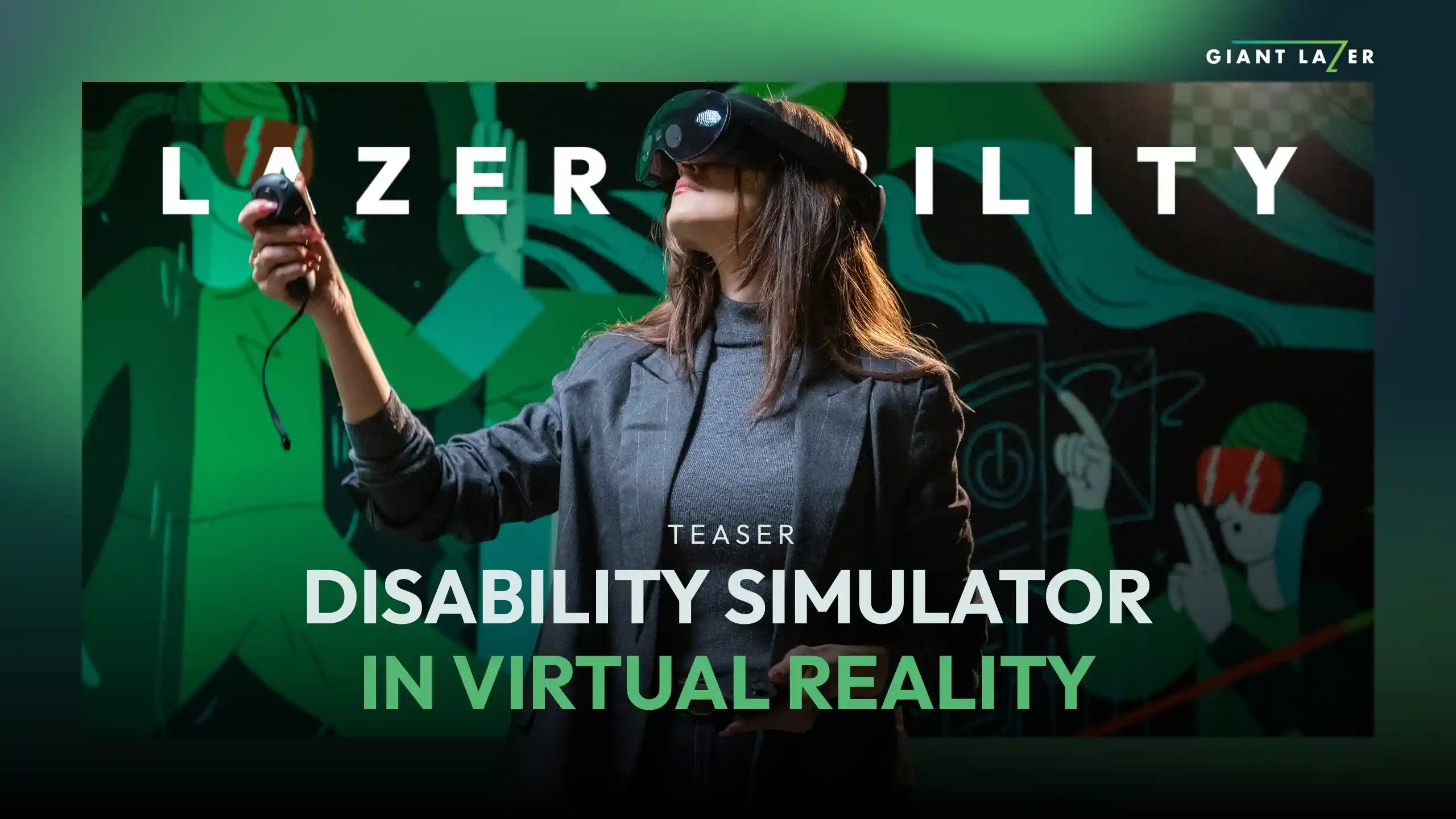
Available story paths include a home environment, use of ATM and a visit to the doctor’s office.
Experience and configure* various visual impairments and conditions:


Available story paths include using public transport and visiting a doctor’s office.
Experience and configure* hearing loss:
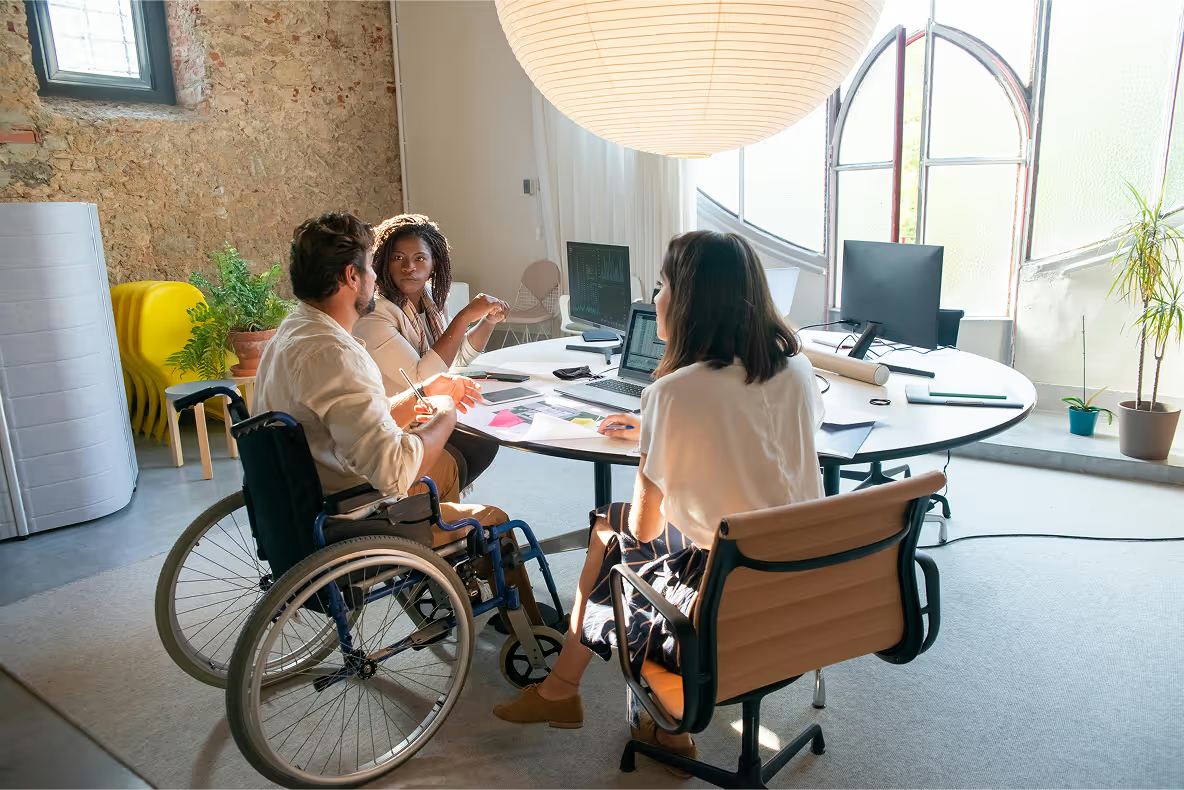
This simulation can be experienced independently or taken to the next level with our proprietary Wheelchair Mobility Platform. Using a standard wheelchair in combination with VR headset, you can immerse yourself fully in the experience, providing an unparalleled sense of what it’s like to navigate the world on a wheelchair.


This simulator combines VR headset with an Elderly Simulation Suit, allowing users to experience the physical and sensory limitations that come with ageing and how they affect daily activities.
The simulation consists of vision loss, hearing loss and decreased mobility in joints. Available story paths include grocery shopping, moving on a street and using an ATM.
This simulator features an extensive continuous story line that will make you feel the confusion, annoyance and fear experienced everyday by people suffering from dementia. Can be purchased as a full storyline or seperate story paths.
Experience dementia symptoms:


The simulation is the key experience. It can be run in virtual technology or with use of Wheelchair Mobility Platform and Elderly Simulation Suit.

Each simulation is paired with a worksheet — prompting critical reflection, grounding the experience in real perspectives, and turning a brief glimpse into genuine understanding.

Designed for group settings, the platform lets you launch simulations remotely, track each learner's progress, and manage sessions — so you can focus on the conversations and reflections that matter most.


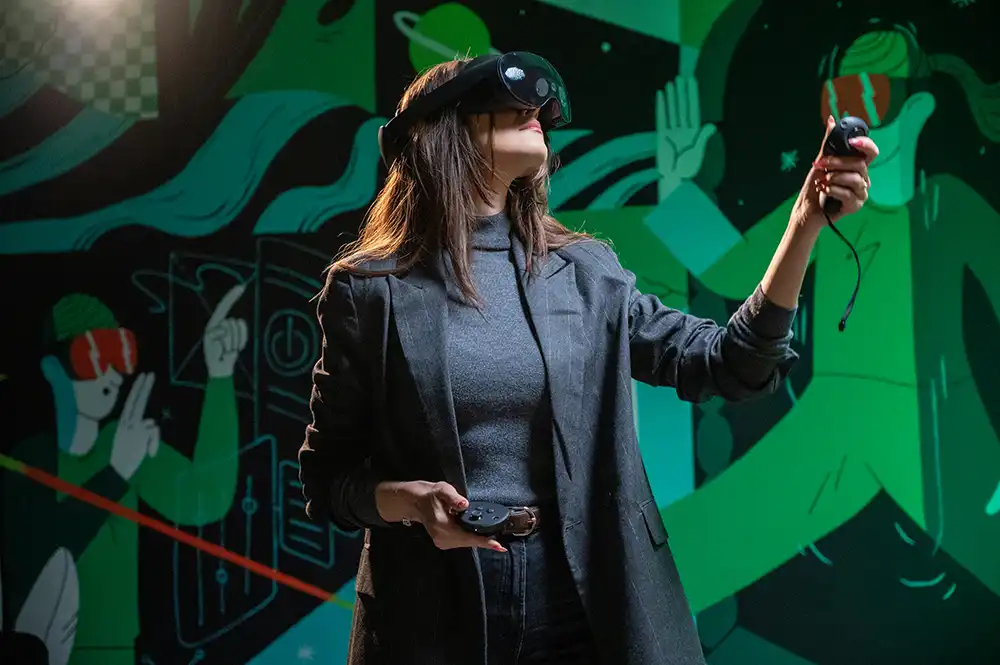
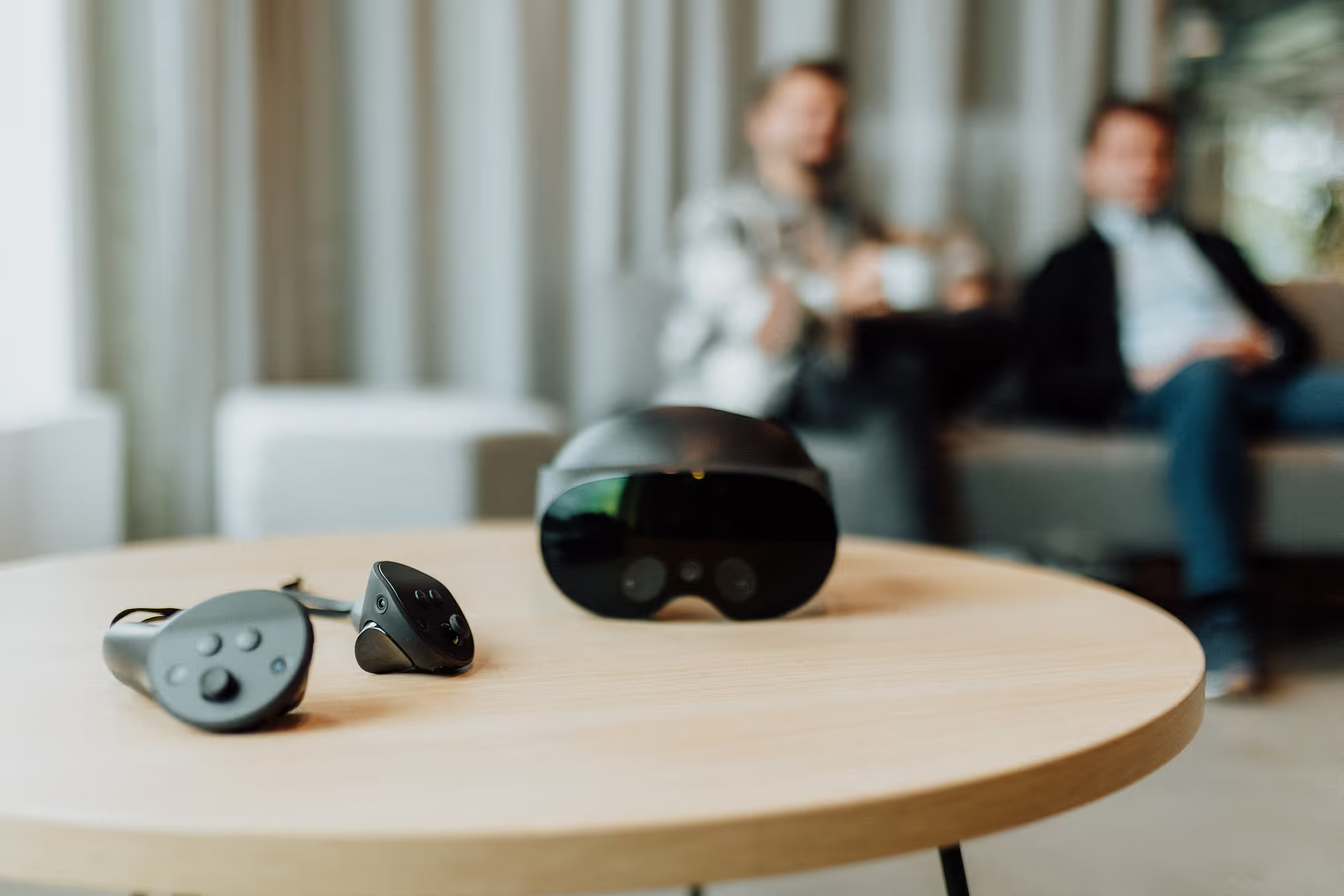
An immersive, easy to implement solution. It requires a VR headset that can be run wirelessly
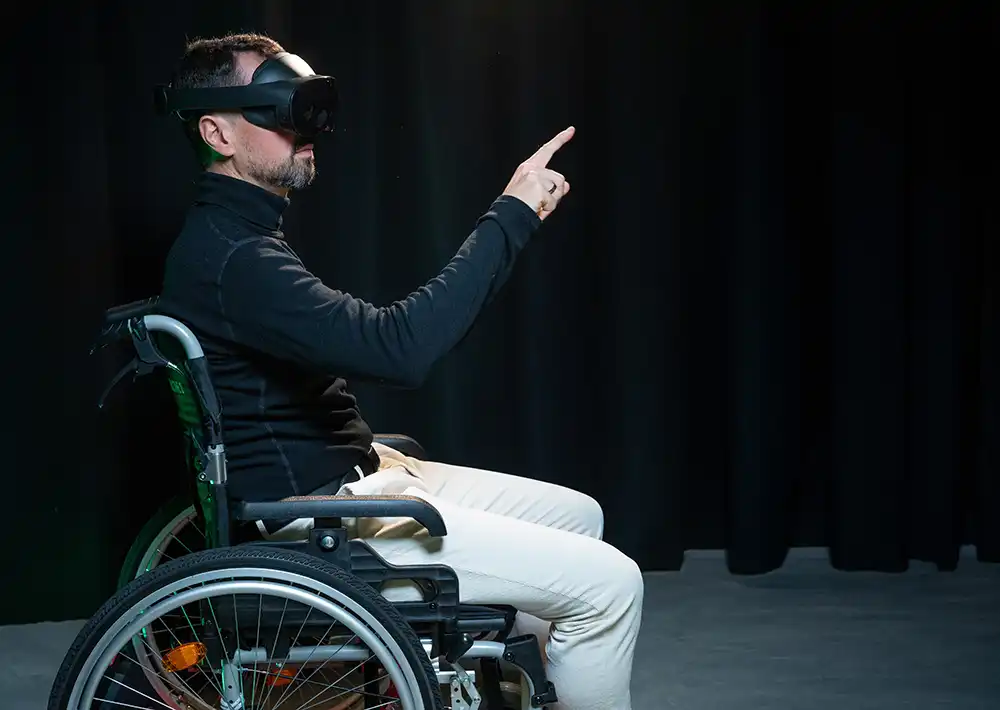
The most immersive solution with a physical wheelchair simulator and VR headset connected to a good PC
Coming soon: The simplest way to experience Lazer Ability — no special equipment needed
Can we focus only on one type of disability for specific training?
Yes. You can purchase individual simulators—such as visual impairment, hearing loss, mobility impairment, ageing, or dementia—based on your organizational needs.
What is the implementation process and timeline for Lazer Ability?
Implementation is straightforward and typically takes a few weeks, depending on equipment availability and scope. The process includes a needs assessment, technical setup, onboarding session, and facilitator guidance. Our team supports you at every step to ensure a smooth launch.
How much does Lazer Ability cost for an institution?
Pricing depends on the size of your institution, number of users, selected disability types, chosen technology (VR-only, VR with physical platforms, WebGL (coming soon)) and if you opt in for VR management platform. We offer flexible licensing options tailored to universities, non-profits, and other types of organizations. Contact us for a customized quote and a free demo consultation.
Are the story paths culturally adaptable for different countries or languages?
Yes. The scenarios are designed to reflect universal daily experiences (e.g., visiting a doctor, grocery shopping, public transport), making them adaptable across cultures. Language localization options are available, and we can discuss custom regional adaptations depending on your needs.
What equipment is needed for use of Lazer Ability?
At minimum, you need a compatible VR headset (such as Meta Quest, PICO, or HTC Vive). For enhanced immersion, you may add our Wheelchair Mobility Platform or Elderly Simulation Suit. A stable internet connection and access to our management platform are recommended for tracking and remote control features. A WebGL version is coming soon, for which you'll only need access to a PC.
How to set up our space for use of VR simulation?
Use of VR requires a safe, open area of around 2 square meters per person. A standard classroom or conference room can easily be arranged for this purpose. For the Wheelchair Mobility Platform a dedicated space is recommended for permanent setup. As Giant Lazer we offer services to support you in preparing your environment efficiently.
What kind of customer support do you offer?
We provide onboarding assistance, technical setup guidance, facilitator support, and ongoing technical help. Our team is available to ensure your program runs smoothly and continues delivering impact over time.
Who are the creators of Lazer Ability?
Lazer Ability was created by Giant Lazer, an immersive technology company specializing in Virtual, Augmented, and Mixed Reality platforms since 2018. Giant Lazer focuses on building innovative learning and training applications, for universities, NGOs, corporations and schools. Every solution is developed using a research-driven, user-centered design process and continuously refined to ensure the best possible learning experience.
How can I manage multiple learners in VR during one lesson?
We strongly recommend use of our partner management platform which allows instructors to remotely launch simulations, track progress in real time, and collect data about participant's performance.
How can I track my learners activity in virtual reality?
Our partner management platform tracks participant activity, including time spent in each simulation and completion status. This data can be used for reporting, or integration into formal training assessments.
Can I integrate the Lazer Ability with my existing LMS?
Yes. Lazer Ability supports integration with most Learning Management Systems (LMS), enabling seamless tracking, reporting, and learner management within your existing infrastructure through the use of our partner management platform.
